AI Avatar for Real Estate Agents: Let a Presenter Host Your Listing Videos
What is an AI avatar for real estate agents and how does PhotoAIVideo do it?
An AI avatar for real estate agents is a digital presenter that speaks to camera in your listing videos, so you never have to film yourself. PhotoAIVideo lets you pick a ready-made presenter or build a clone of you, then pairs it with your listing photos and a script to render a narrated walkthrough.
Updated · By Zach Calhoon, Founder
Listing photos and a presenter in, a narrated walkthrough out
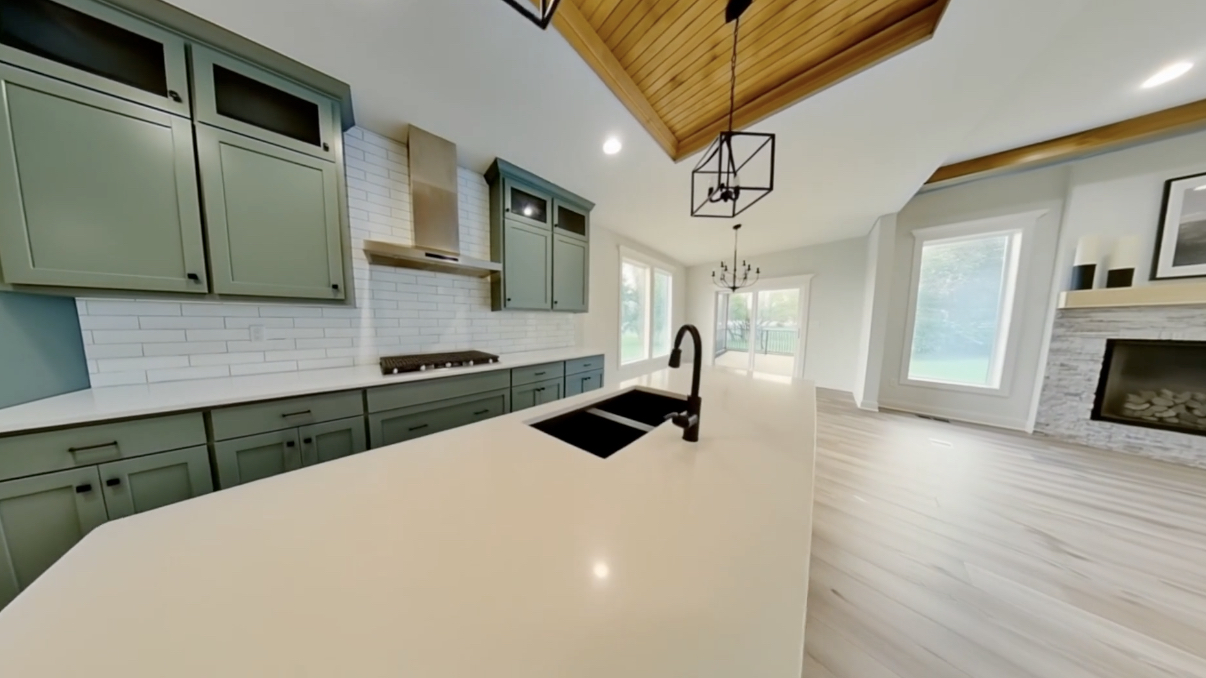
On the left are the two kinds of input: stills from a listing shoot and the presenter who will host the video. On the right is a finished 16:9 walkthrough in which the photos fill the frame and the presenter sits in a round inset at the lower left, talking the viewer from room to room. The photos shown are sample inputs from the site; the video was made from a different home.


The AI avatar feature at a glance
| Avatar types | A personal clone of you, or a ready-made presenter from the stock library |
|---|---|
| Avatars included | Two avatar clones with the add-on; each can be personal or pre-built |
| Voice | Your own recorded voice, or one of the AI voices |
| Languages | More than one; the current list is in the app |
| Export formats | Horizontal and vertical |
| MLS note | Keep the avatar cut for your own channels; upload a property-only export to the MLS |
| Price | Plans from $37.50/month; AI Avatar add-on $49/month with 20 credits; extra clones $19/month each |
How do I make a listing video with an AI avatar?
Four steps, and the first one only happens once: after that, every listing starts at step two.
Set up your presenter
Choose a ready-made presenter from the library, or create a clone of yourself from a clear, well-lit capture of your face. The app guides you through the capture.
Upload the listing photos
Add the shots of the property in JPG, PNG, HEIC or WebP. They become the backdrop the presenter talks over, in the order you set.
Give the presenter something to say
Type a script about the home, or upload a recording of your own voice. Without a recording, pick one of the AI voices instead.
Render and export
Generate the walkthrough, then download it in horizontal or vertical format for your site, email and social accounts.
What is an AI video clone of yourself, and how is it different from a stock presenter?
A clone is a custom AI avatar video presenter built from a capture of your own face, so the person welcoming buyers to the listing is recognisably you. A stock presenter is a professional avatar from the built-in library: polished and ready immediately, but not you.
Pick a clone when your face is part of how clients find you, and stock when you want a neutral host or are not ready to record. The add-on gives you two avatar slots, and each can hold either type. For the full setup, follow the guide to creating a realtor avatar clone.
Can an AI presenter walk a buyer through my listing?
Yes. An AI presenter video for listings keeps your photos as the main picture and places the presenter in a small inset, as in the example above. The script sets the pace: a line about the kitchen plays while the kitchen is on screen, then the next photo takes over.
Write the script the way you would talk at a showing, with the details a photo cannot say on its own, like the school district or the age of the roof. Tips for structuring an AI avatar listing walkthrough are in building an avatar property walkthrough.
AI avatar vs filming yourself: when does each make sense?
The avatar wins on repetition. Once the presenter exists, the tenth listing video is as easy as the first, and a bad hair day or a noisy street no longer delays anything. It also suits agents who are camera shy, because the only recording a clone needs is the single setup capture.
Filming yourself wins on spontaneity. A live walk through an open house, a reaction to a closing, or a personal thank-you to a past client all land better as real footage. Many agents use both: the avatar for routine listing and update videos, and their phone for moments that are about the relationship.
Is it OK to use an AI avatar as a realtor?
It is, provided the video stays honest. Clone only yourself or a teammate who has agreed to it, make sure everything the presenter says about the property is accurate, and check whether your brokerage has a policy on AI-generated advertising. A brief note such as “presented by an AI avatar” keeps buyers from feeling misled when they meet you in person.
Placement matters too. A presenter who is you counts as branding, so the avatar version belongs on social media, your website and email rather than in the MLS unbranded tour field. Upload a property-only export there instead; the rules are covered on the MLS-compliant video software page. This is general guidance, not legal advice.
Where do agents use AI avatar videos?
- Listing walkthroughs, where the presenter introduces each room as the photos change
- Just-listed posts that announce a new property in under a minute
- Market updates you can refresh every month without setting up a camera
- An agent intro video for your website, email signature or profile pages
Exports come in horizontal and vertical formats, so the same script can become a wide video for your website and a tall one for Reels or Shorts. To match each cut to its channel, see optimizing avatar videos for social and MLS.
Can a team or brokerage use AI avatars?
Yes. Two avatar clones come with the add-on, and further clones can be added one at a time, so each agent can present their own listings while the office keeps a consistent style. Some teams also keep a shared stock presenter for office-wide announcements.
Agree on who may be cloned, how scripts are approved and where avatar videos are posted before rolling them out. Team plans and workflows are covered on AI real estate video for teams.
PhotoAIVideo avatar, your phone, or a hired presenter
Three ways to get a person talking over a listing, and what each asks of you.
| Criterion | PhotoAIVideo | Filming yourself on a phone | Hiring a videographer or presenter |
|---|---|---|---|
| Time per listing | Photos plus a script; no shoot or edit | Setup, several takes, then trimming on the phone | Booking, a shoot day and a delivery wait |
| Cost | Add-on from $49/month, on top of a plan | Your time; low cash cost | The highest of the three, paid per shoot |
| Output | Narrated walkthrough, horizontal or vertical | Depends on your lighting, audio and editing skill | Polished footage, including rooms the photos missed |
| Re-use | The same presenter works on every future listing | Each video is filmed again from scratch | Each property is a new booking |
| On-camera effort | One capture session for a clone; none with a stock presenter | You are on camera every time | You or a hired presenter on camera every time |
Cost and time are relative, not quotes. Add-on pricing is on the pricing page.
Explore AI Avatar & Presenter: avatars and apps
- AI realtor avatar appBuild and use an avatar from your phone.
- AI avatar clonesPersonal clones and stock presenters explained.
- Avatar app for agentsThe app side of agent avatars.
- Mobile avatar appMaking avatar videos on the go.
- Avatar software and appDesktop and mobile workflows together.
- Agent avatar softwareWhat to look for in the software.
- AI avatar platformOne place for presenters, voices and exports.
- Avatar real estate videoPresenter-led video for property marketing.
- Real estate AI avatarAn overview of avatars in property video.
- Personal avatar for realtorsA presenter that looks like you.
- Digital avatar for agentsYour likeness, reusable across channels.
- Virtual agent avatarA virtual presence for buyers online.
- Avatar software roundupComparing avatar tools for property.
- Avatar software for realtorsFeatures realtors use most.
- AI video avatar generatorGenerate presenter video from a script.
- AI talking avatarAvatars that speak your script aloud.
- Avatars for business videosBeyond listings: intros and updates.
Explore AI Avatar & Presenter: clones
- AI clone for agentsWhat an agent clone is and does.
- Avatar clone for realtorsCloning yourself for video marketing.
- Create a realtor cloneGetting from capture to first video.
- Digital clone of an agentA digital twin for your listings.
- AI video cloneVideo clones built for property content.
- Clone myself with AIThe questions agents ask first.
- An AI version of myselfPresenting without being on camera.
- Realtor cloneClones for individual realtors.
- Real estate cloneClone-led video across a business.
- Professional cloneFor brokers, lenders and agents.
- Digital agent cloneOne clone, many listings.
- Avatar cloneClone basics in plain terms.
- AI video cloneHow video cloning works.
- Property listing cloneClones narrating specific listings.
Explore AI Avatar & Presenter: presenters and spokespeople
Explore AI Avatar & Presenter: how-to guides
- Create a realtor avatar cloneStep-by-step clone setup.
- Create an AI realtor cloneA second walkthrough of the process.
- Optimize for social and MLSWhich cut goes where.
- Avatar tours by property typeCondos, estates, rentals and more.
- Sell with a realtor clonePutting a clone to work on listings.
- Sell with avatar clonesClone-led campaigns that move homes.
- Avatar property walkthroughBuild a presenter-led tour.
Explore AI Avatar & Presenter: from the blog
- Using a realtor cloneBlog guide to clone-led selling.
- Avatar clones for realtorsWhy agents are adopting clones.
- Creating real estate avatarsFrom first capture to export.
- Avatars and the futureWhere presenter video is heading.
- Avatars as tour guidesA host inside virtual tours.
- Building a realtor cloneThe blog version of the how-to.
- A clone blueprintA plan for rolling out clones.
- Voice and avatarsGetting the voice right.
- Avatar walkthroughsWalkthrough ideas with a presenter.
- Adding avatars to toursAvatars layered onto existing tours.
- Scaling a team with avatarsAvatars across a whole team.
Frequently Asked Questions
Not every listing needs a presenter. For photo-only videos, see the AI listing video generator and real estate photo to video.
Put a presenter on your next listing
Start with a stock presenter today, or set up your clone once and reuse it on every property you list.