Best Photo to Video AI: 5 Tools Compared Side by Side
Last reviewed · By Zach Calhoon, Founder
What is the best photo to video AI?
The best photo to video AI depends on what the photos are for. Runway, Luma Dream Machine, Kling and Pika are general-purpose generators that suit creative one-off clips you prompt and then edit yourself. When the photos are a property listing, PhotoAIVideo is the stronger pick: it turns the whole set into one finished, MLS-ready video.
Background: our AI photo to video generator guide. For any kind of AI video, see best AI video generator; for agent picks, the best AI video tool for real estate.
Quick verdict
- PhotoAIVideoBest for turning a listing photo set into one finished, MLS-ready video.
- RunwayBest for trying prompt-driven AI video on a one-time free allowance.
- Luma Dream MachineBest for commercial work budgeted by the length of each clip.
- KlingBest for adding another general-purpose video model to a side-by-side test.
- PikaBest for cheap experiments, with no watermark listed on any plan.
Photo to video AI comparison
| Feature | PhotoAIVideo | Runway | Luma Dream Machine | Kling | Pika |
|---|---|---|---|---|---|
| Input | One photo or a full set | Not stated — see their site | Image-to-video, priced by clip length | Not stated — see their site | Not stated — see their site |
| Output | One finished multi-photo video | Not stated — see their site | Not stated — see their site | Not stated — see their site | Not stated — see their site |
| Real-estate features | Built for listings; agent branding | Not offered as a listing feature | Not offered as a listing feature | Not offered as a listing feature | Not offered as a listing feature |
| MLS / unbranded version | Yes, via MLS mode | Not offered as a listing feature | Not offered as a listing feature | Not offered as a listing feature | Not offered as a listing feature |
| Voiceover | AI voices, music and captions | Not stated — see their site | Not stated — see their site | Not stated — see their site | Not stated — see their site |
| Presenter avatars | AI Avatar add-on | Not stated — see their site | Not stated — see their site | Not stated — see their site | Not stated — see their site |
| API | REST API | Not stated — see their site | Not stated — see their site | Not stated — see their site | Not stated — see their site |
| Free option | 1 project, 5 generations, no watermark | 125 one-time credits | No free plan listed | See Kling's pricing page | $0 with credit packs; commercial license listed from Starter |
| Paid plans from (as of November 23, 2026) | $37.50/month billed annually | $15/mo ($12 annually) | $30/mo ($25 yearly) | See Kling's pricing page | $10/mo ($8 annually) |
How we compared
We judged each tool on input handling, output completeness, editing left after generation, licensing and watermarks, and price. Prices come from each vendor's pricing page on November 23, 2026 and change often.
Choose Runway if…
You want to try its models before paying. The Free plan gives 125 credits once, with a selection of generative models to test ideas on.
Standard is $15 a month ($12 billed annually) for 625 credits and lists no watermarks; Pro is $35 ($28) for 2,250 and Max is $95 ($76) for 9,500. It suits people who steer each generation with prompts and cut the results together in their own editor.
Choose Luma Dream Machine if…
You know the output is commercial and prefer precise budgeting to a free start, since no free plan is listed. Plus is $30 a month ($25 billed yearly) for 10,000 credits with commercial use included; Pro is $90 ($75) for 40,000 and Ultra is $300 ($250) for 150,000, with Team and Enterprise quoted.
Image-to-video is charged by clip length — Ray3.14 at 720p costs 100 credits for 5 seconds — so spend tracks the clip lengths you plan.
Choose Kling if…
You are testing how several models interpret the same still and want another general-purpose video generator in the lineup.
Its plans page showed no plans or prices when we checked, so we quote no prices, credit amounts or limits here; see Kling's pricing page for current plans. As with the other general tools, plan to handle sequencing, transitions and any audio yourself once the clips exist, especially for a multi-room listing.
Choose Pika if…
Cost matters most and so does a clean file: Pika lists no watermark on every plan. The $0 tier runs on credit packs, and the commercial license is listed from Starter, $10 a month ($8 billed annually) for 600 credits.
Creator is $35 a month ($28 annually) for 2,600 credits, and Fancy starts at $95 a month ($76 annually). Confirm the license line on your plan before posting for a client.
Choose PhotoAIVideo if…
Your input is a listing shoot, not a single image. Upload the whole set and each photo gets its own camera move, returned as one sequenced video with optional narration, music and captions and no editing stage afterwards.
MLS mode adds an unbranded version for listing feeds, and Creator and Pro plans carry your logo and contact details. The free plan (1 project, 5 generations) has no watermark; paid plans start at $37.50/month billed annually.
Single photo vs a set of photos
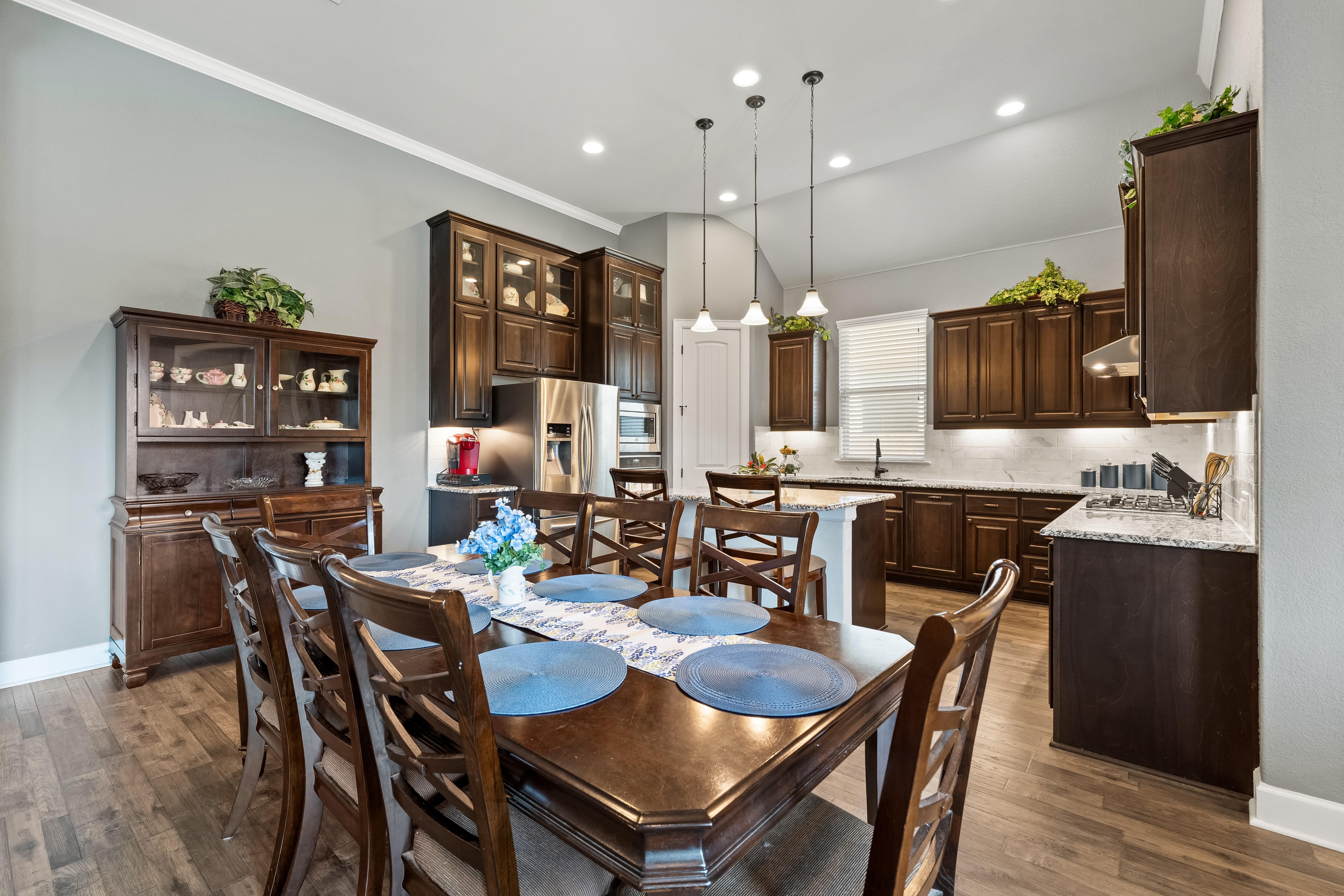
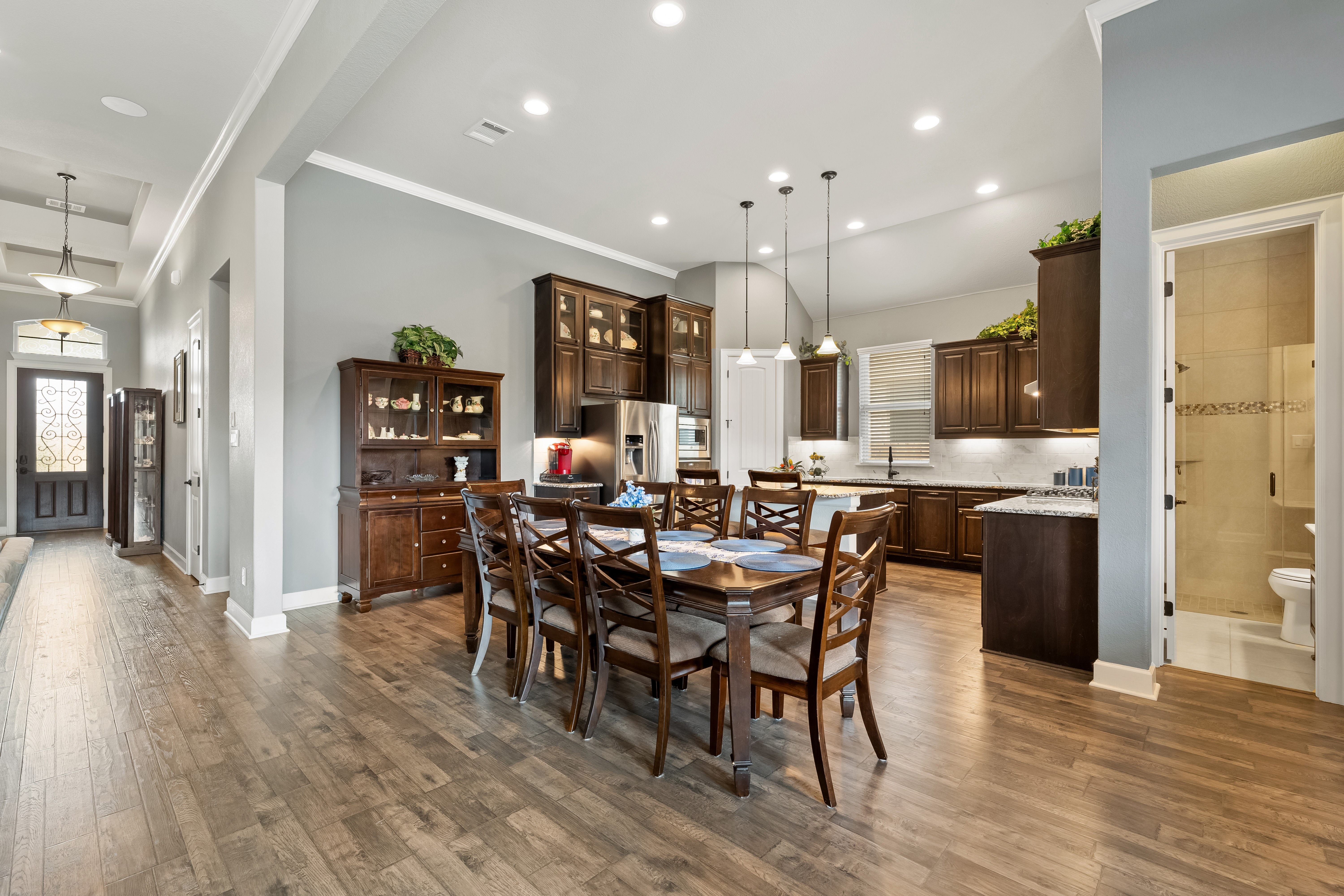
A real PhotoAIVideo result: one kitchen and dining still turned into a 5-second dolly zoom clip. One photo gives one room and one move. Multi-room tours are on our examples page.
When one clip is enough
A hero teaser or story post only needs an AI video from a single photo.
When you need multiple photos in one video
A listing tour needs rooms in order, transitions, a steady pace and often music or narration. From a one-clip tool, that hidden assembly job means generating a clip per photo, re-running warped ones, importing them all into an editor, ordering and trimming, adding audio, and exporting each aspect ratio — again for every listing.
Switching to PhotoAIVideo
Upload your listing photos
Add the shoot as JPG, PNG, HEIC or WebP files.
Pick a style, music and voice
Choose a template, adjust any photo's motion, then add an AI voice, music and captions.
Choose a branded or unbranded export
Keep your logo for social posts, or turn on MLS mode for the clean feed version.
Download and share
Save the 16:9, 9:16 or 1:1 file and post it.
PhotoAIVideo key facts
| Input | JPG, PNG, HEIC or WebP photos |
|---|---|
| Output formats | 16:9, 9:16 and 1:1 |
| Render time | Most videos in 2 to 5 minutes |
| MLS-ready version | Yes, unbranded via MLS mode |
| Voiceover | AI narration, multiple voices |
| Price from | Free plan; paid $37.50/month annually or $49.95/month monthly |
Plan details are on the pricing page.
Frequently Asked Questions
Try it on your next listing
Upload photos you already have; the free plan carries no watermark.